

Business Central as a proven core for scalable growth.
For Blue River, Microsoft Dynamics 365 Business Central is currently the best operational core for growing organisations. The platform brings finance, operations, projects, reporting and processes together in one scalable environment. But the true value emerges when Business Central is set up with the correct structure, data governance, security, reporting and integrations.
Business Central is not just an accounting package that we sell on the side. It is the central data source where finance, operations and reporting converge.
Discuss your situationWhat Business Central actually does for you.
Pick a theme and see, part by part, what a well-designed backbone delivers.



One chart of accounts, one truth. Accounting, invoicing and payments run in the same environment as your operations, without double entry.
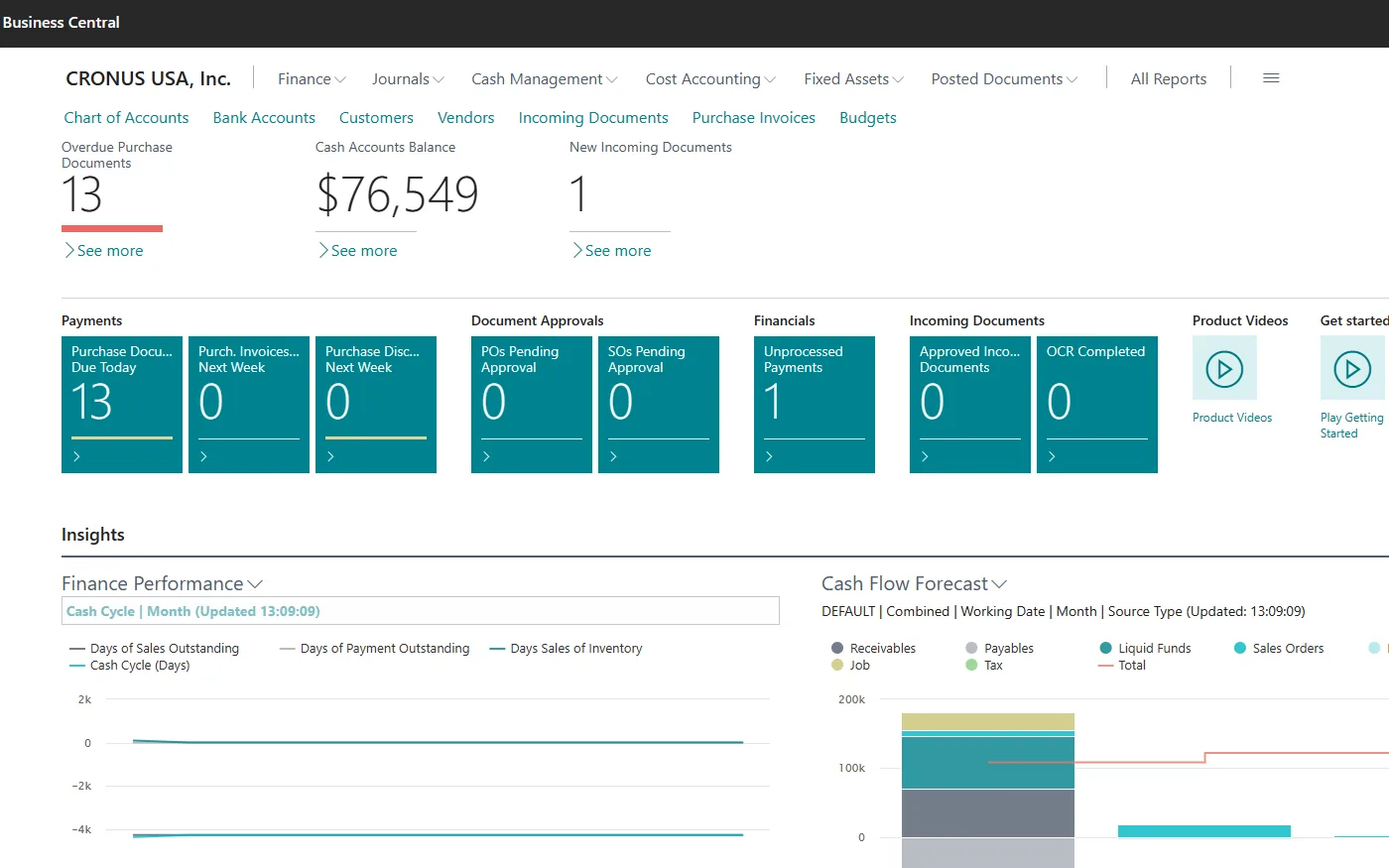
From a monthly Excel exercise to live dashboards. Power BI reads straight from Business Central, with KPIs management actually uses.
A predictable month-end and year-end close with clear controls, audit trail and roles. Fewer corrections afterwards, more trust in the numbers.
Power BI plugs straight into the Business Central backbone. Financial and operational data meet in one reporting layer, with dashboards that put everyone on the same number.
Standard ERP implementation vs. Blue River approach.
Five commitments that remove the classic pain points of ERP projects.
Fast figures
insight into your key financial figures within 30 days through clear dashboards
Months of waiting for the first usable figures
Scalable
add users, companies and AI agents without extra hardware or vendor lock-in
A system that cannot grow with you and locks you into one vendor
Anti-big bang
step by step, with short-term results in a trusted Microsoft environment
A big bang with major risks and upfront investments
Keep what works
integration over replacement, in consultation with your users
Replacing everything, including what works well today
Always tailored
your budget and pace set the scope, processes first and tools second
A standard package your organisation has to adapt to
A complete financial dashboard within 30 days, built on data you can trust to make decisions.
Faster time to value: faster results and growth, without major risks or upfront investments. We adapt to your business reality.
Six steps from insight to manageable operation.
Pragmatic, structured and repeatable. No big bang, but controlled progress in visible blocks.
Analysis
Mapping of processes, systems, data, reporting and pain points. A founded baseline measurement.
Structure
Operational architecture, data model, integration layers and governance. Think first, then build.
Business Central setup
Configuration over customisation. Conference Room Pilots, data migration and a safe cutover.
Tooling and integrations
Microsoft 365, Power BI, CRM, project and sector tools connect to the backbone.
Training and adoption
We train key users and management. We measure adoption in daily usage.
Continuous improvement
A backbone is alive. We continue to optimise, integrate and activate new AI use cases.
How strong are your reporting and data quality?
Take the short five-minute self-scan and discover how your organisation scores on automated reporting, data quality, governance and the efficiency of your systems.
Standard where possible. Custom where truly necessary.
This keeps the backbone simple, upgradeable and ready for the next generation of tools, integrations and AI.